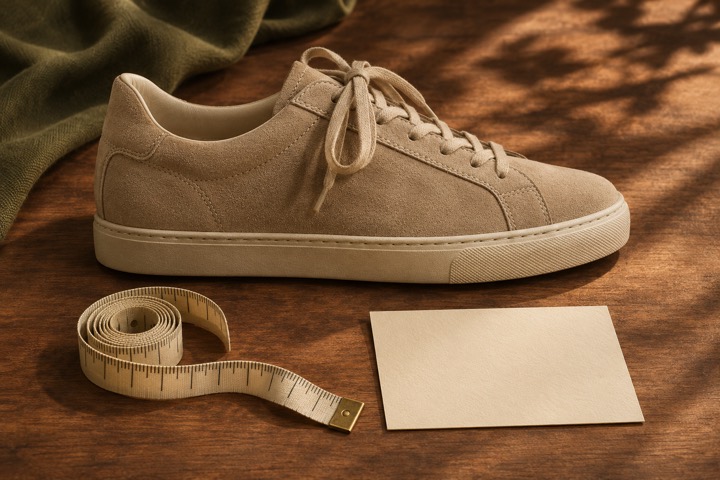
Measure the feet you will be fitting
Wear the socks you intend to use. Stand with your weight on a sheet of paper, mark the heel and the tip of the longest toe, then measure the distance. Repeat for the other foot and save the longer measurement. If your toes commonly feel cramped, record the width across the broadest part of the forefoot as well.
Read what the numbers mean
Imagine your longer foot measures 26.4 cm. One chart may indicate that a size is suitable for a 26.5 cm foot. Another may show a 26.5 cm insole. In the second case the difference from your foot is only 0.1 cm. Compare that measurement with a comfortable pair of the same type and check how both measurements were taken.
Ask one specific sizing question
When a chart omits its method, send a short question naming the model and size. Ask whether the centimetres represent recommended foot length or the inside length measured heel to toe. Save the response beside the selected variant. If shape is a concern, add a question about forefoot width or compare a similar pair you already own.
Checklist
- Measure both feet in the socks you plan to wear.
- Identify the measurement on the seller’s chart.
- Save the answer with the exact model and size.