
Getting started with the Kakobuy Spreadsheet
How to use a Kakobuy spreadsheet for the first time
Turn a Kakobuy spreadsheet into a shortlist you can actually verify, with a simple first-session workflow.
Read the guideStart with your current decision. Each guide puts a common spreadsheet or parcel task into practice with an example and a checklist.
Getting started with the Kakobuy Spreadsheet
Turn a Kakobuy spreadsheet into a shortlist you can actually verify, with a simple first-session workflow.
Read the guide
Getting started with the Kakobuy Spreadsheet
Learn what to verify in a spreadsheet row before comparing links, product photos, prices and variants.
Read the guide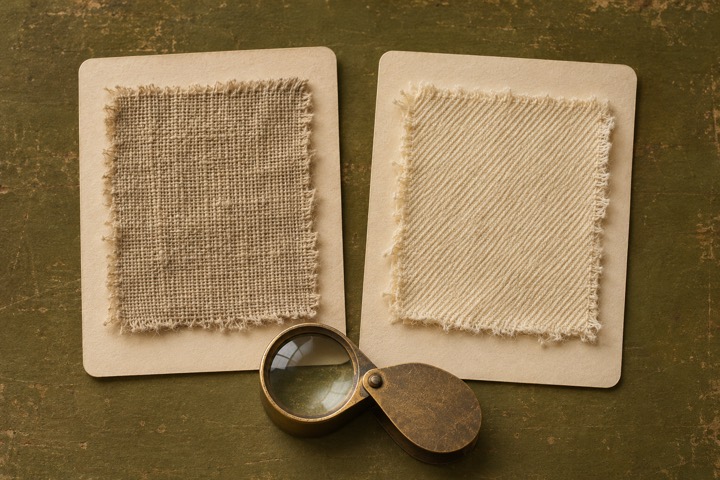
Kakobuy listing, size and QC checks
Compare two sellers on equivalent variants, documented measurements and the questions each listing leaves open.
Read the guide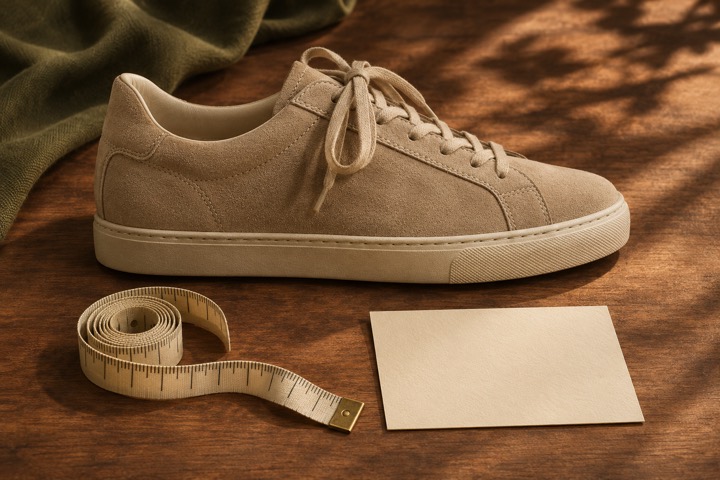
Kakobuy listing, size and QC checks
Read a seller’s footwear measurement chart and compare foot length and width before picking a size.
Read the guide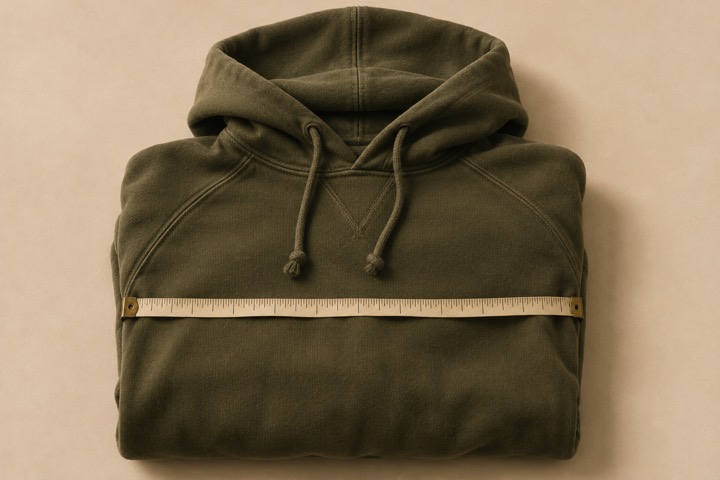
Kakobuy listing, size and QC checks
Use a hoodie you already wear to compare flat measurements and judge the fit of a spreadsheet listing.
Read the guide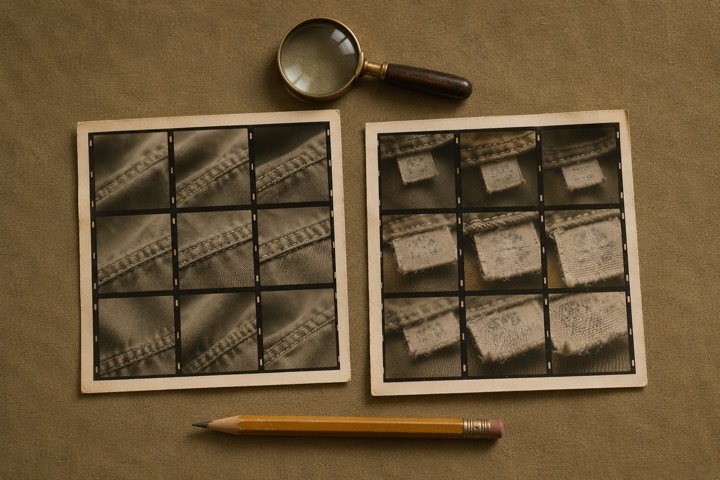
Kakobuy listing, size and QC checks
Review inspection photos in order, check a specific detail and write a request that names the missing view.
Read the guide
Kakobuy parcel costs, shipping and tracking
Make a cost worksheet that includes the item, delivery and a range for amounts you have yet to confirm.
Read the guide
Kakobuy parcel costs, shipping and tracking
Make a packing list and compare two parcel layouts using weight, dimensions and the protection each item needs.
Read the guide
Kakobuy parcel costs, shipping and tracking
Compare two delivery services on billed weight, delivery estimates, tracking and the handoff at your destination.
Read the guide
Kakobuy parcel costs, shipping and tracking
Follow parcel scans in sequence and collect the information you need when a delivery status needs clarification.
Read the guide