
Getting started with the Kakobuy Spreadsheet
How to use a Kakobuy spreadsheet for the first time
Turn a Kakobuy spreadsheet into a shortlist you can actually verify, with a simple first-session workflow.
Read the guideThe spreadsheet field guide
Find your way around the Kakobuy spreadsheet, compare what a listing promises with what you can verify, and keep a clear record before you order.
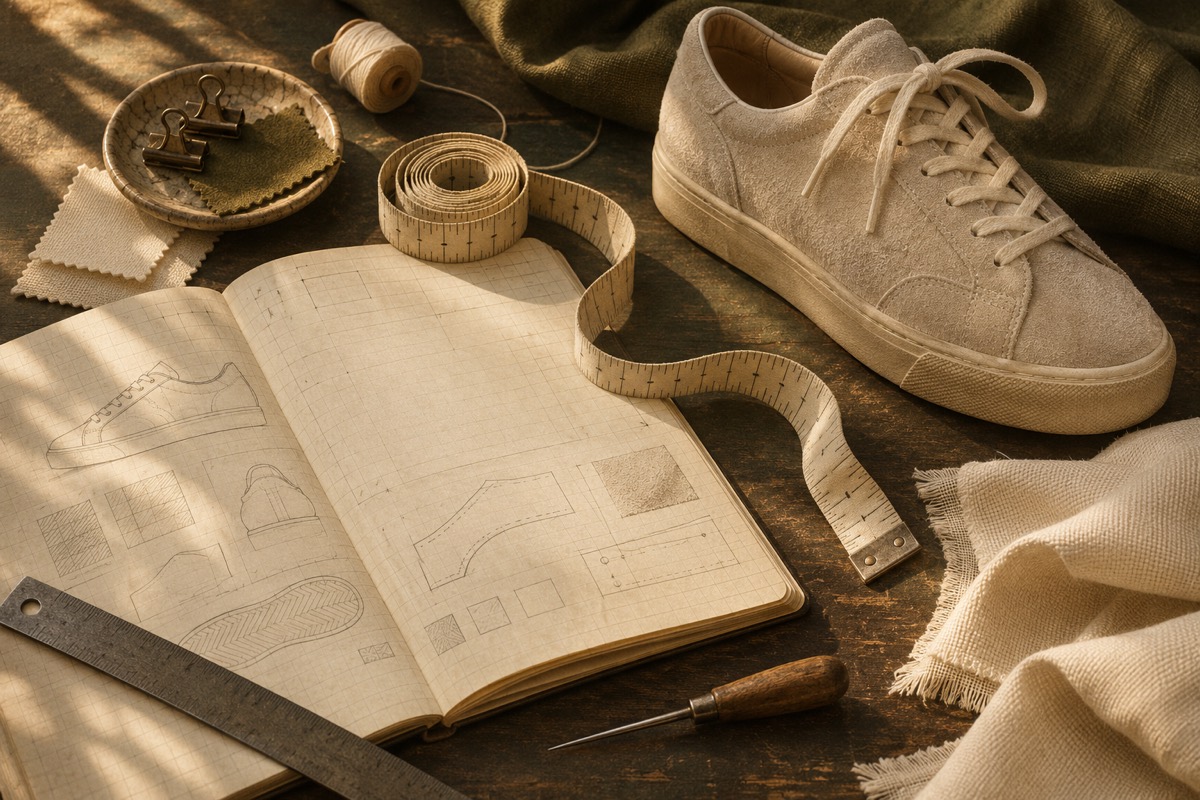
Learn
A Kakobuy spreadsheet row gives you a starting point. Before saving it, open the listing, select the exact size or colour you want, and record the current item price with its currency. A price shown before you pick a variant can refer to a different option.
Compare listings on details you can verify. For a hoodie, lay one you already own flat and measure across the chest and from shoulder to hem. Record those two readings beside the seller’s measurements, using the same units. If the seller gives a full chest circumference and you measured the garment flat, divide their figure by two before comparing.
Give open questions their own column. A note such as “black, size L, sleeve length missing” tells you exactly what to check next. When two rows look similar, that missing measurement may matter more than the price difference.
Browse the guidesWalk through a spreadsheet row, compare measurements, or build a parcel estimate using concrete examples.
Getting started with the Kakobuy Spreadsheet
Turn a Kakobuy spreadsheet into a shortlist you can actually verify, with a simple first-session workflow.
Read the guide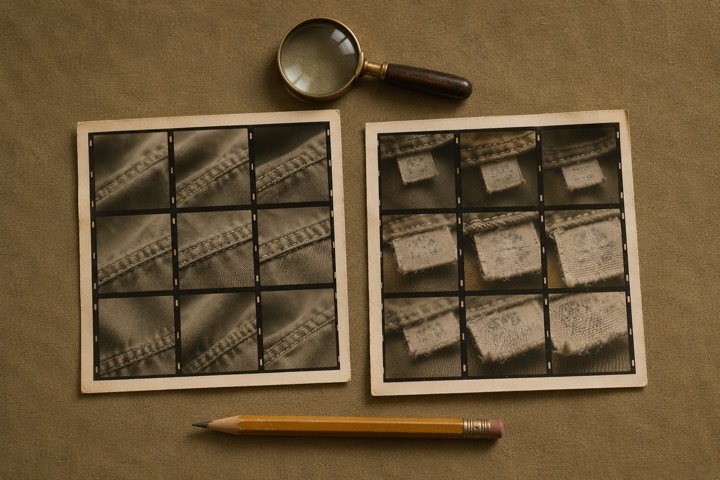
Kakobuy listing, size and QC checks
Review inspection photos in order, check a specific detail and write a request that names the missing view.
Read the guide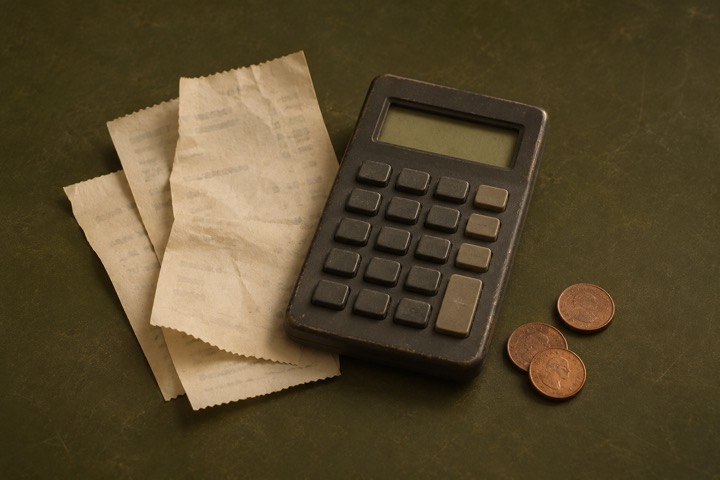
Kakobuy parcel costs, shipping and tracking
Make a cost worksheet that includes the item, delivery and a range for amounts you have yet to confirm.
Read the guideJump to the corresponding section on the main Kakobuy spreadsheet.
Learn which fields to copy from a Kakobuy spreadsheet row and organise your first shortlist.
Compare listing details, garment and shoe measurements, seller information and QC photos using practical Kakobuy examples.
Build a parcel estimate, compare shipping quotes on the same basis, and record tracking updates.
Save a row template, review a photo set, or calculate the cost per item with an example you can adapt.
Build a Kakobuy shortlist with a reason for each pick, a decision date and a clear spending limit.
Use a recovery log to distinguish old links, unavailable variants and replacements that need a fresh check.
Create one reliable row per color and size so translated option names and duplicate links stay clear.
Track listed CNY prices, working exchange rates and payment totals in their own columns.
Make a fit card for wide feet with measurements from your best-fitting pair and a clear check for forefoot pressure.